Wend walkthrough
See the published app screens and the basic workflow.
1. Start a routine
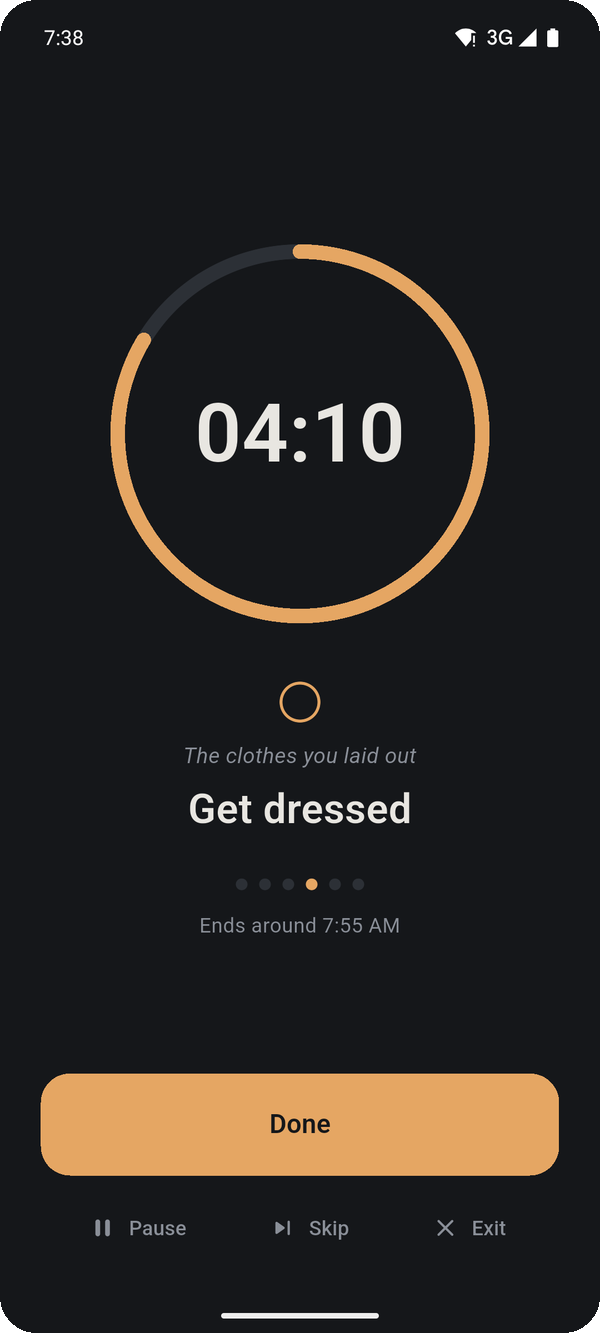
The runner keeps the current action and countdown in view. Mark an action Done when you finish.
2. Keep the step visible
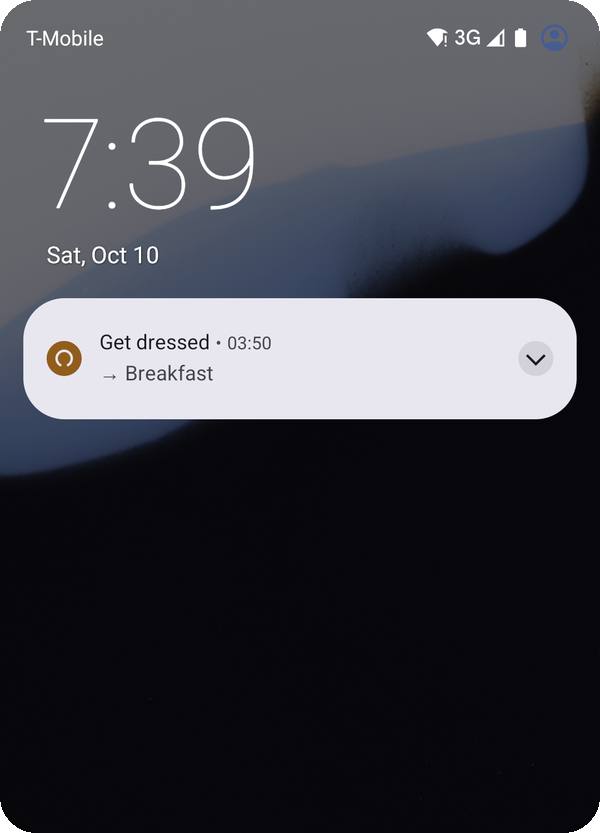
The lock-screen notification keeps the current action available outside the full-screen runner.
3. Use the widget
The home screen widget gives you another place to see and control the current step.
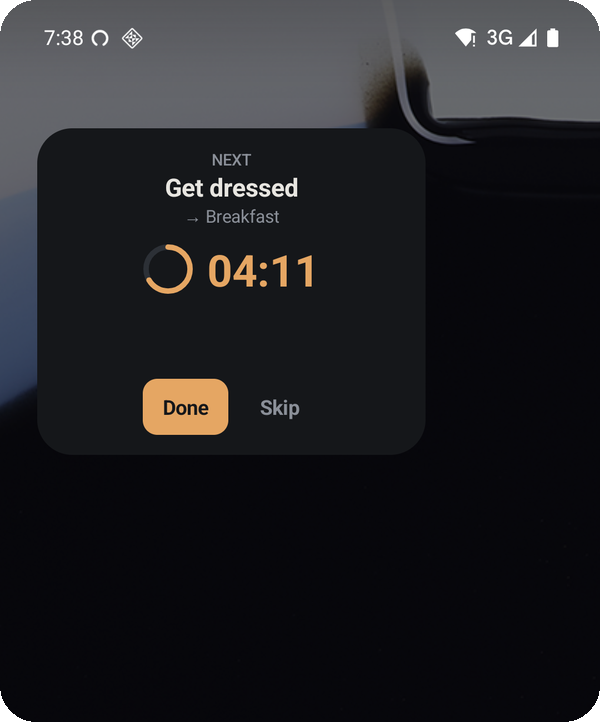
These are published app screenshots. The actions and durations are examples.
Did this solve the problem? Tell me what worked or got in your way. Select Wend in the form.